
Interaction is Lumirain's flagship product, and your first AI coworker. Give it a multi-step task in one sentence; it does the work on your own device and hands back something you can use. Available on macOS and iOS today.
Today we're releasing Interaction. It's Lumirain's first product, and the first AI coworker we want to put in your hands.
What you can hand to it
Give it a whole task that takes several steps, in one sentence. For example:
- Pull this week's emails that still need a reply into a list, sorted by urgency.
- Read this PDF contract and extract the key terms and risks into a one-page summary.
- Turn these research notes into a report a non-technical colleague can follow.
- Compare three vendors' quotes into a decision table I can sign off on.
- File the loose documents on my desktop by project and rename them consistently.
- Turn this idea into a working prototype: a small tool or script.
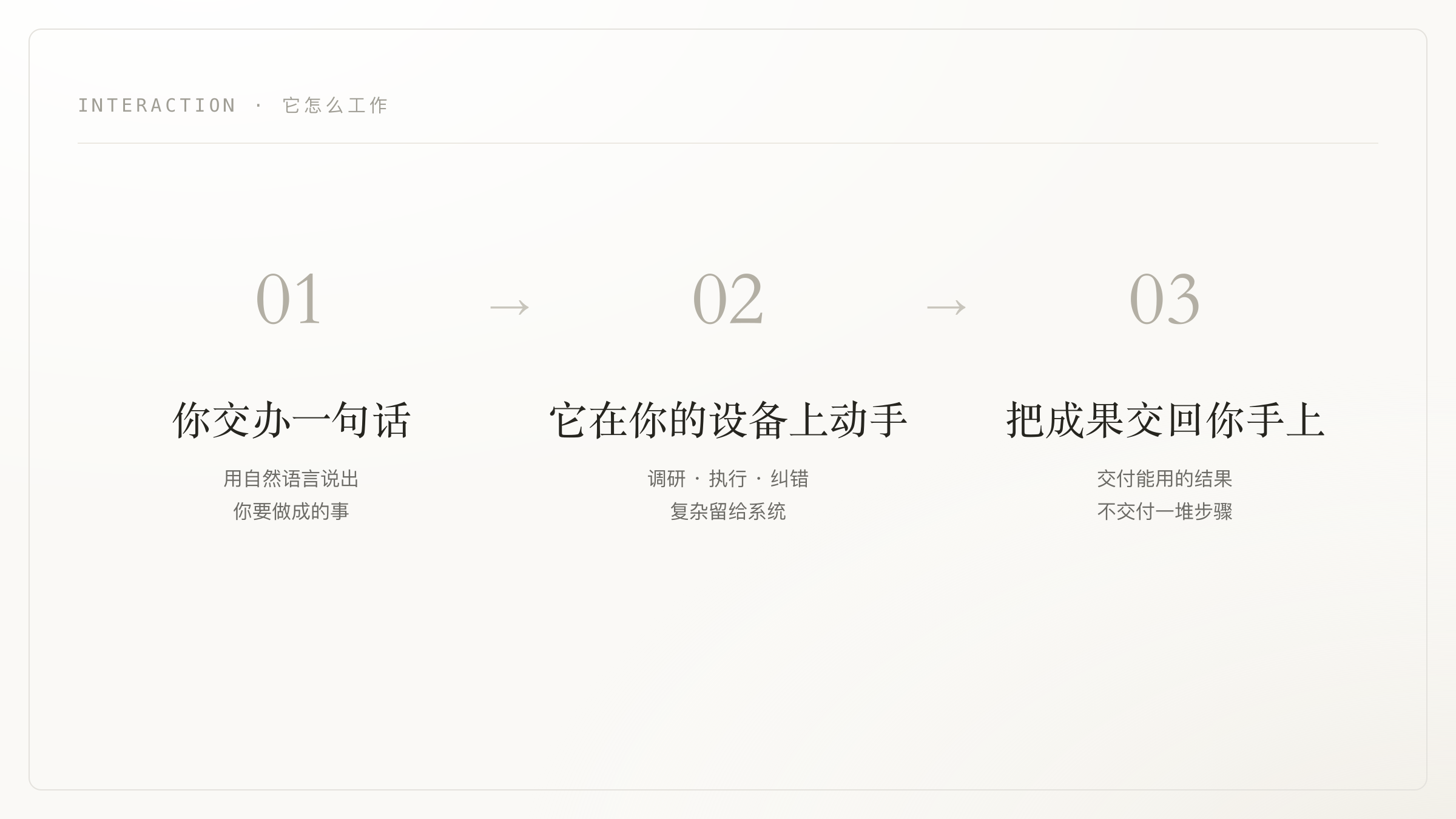
You state the goal, not the steps. It figures out the rest: where to find the material, which app to use, how many steps it takes, what to redo when something breaks.
How it actually works
- Breaks down the goal. It turns "make me a report" into an executable multi-step plan, instead of handing a to-do list back to you.
- Acts on your machine. It runs commands, reads and writes files, and operates app interfaces (Computer Use). It clicks, edits, and saves for real, not just telling you how.
- Goes online when needed. It looks up what it needs and synthesizes a result; what shouldn't leave your machine stays local.
- Corrects itself. It catches its own mistakes mid-task and redoes them, so you don't get something half-done.
- Picks the right model. It selects the right underlying capability per task, so you don't have to think about which one.
Its strength is turning a goal into a finished result: a list, summary, report, table, draft, or a small tool. You can review it and use it with light edits.
It works on your own device
This is the biggest difference between Interaction and a cloud chatbot. It works on your computer, in your environment, with your files, and doesn't upload everything to someone else's servers.
- Tasks run locally on your device, using the files and apps you already have.
- The parts that run commands or take action happen in a controlled local sandbox, isolated from the rest of your system, so the blast radius of any single action stays small.
- Outbound access goes through a narrow egress: what it can reach is controlled and auditable, not open by default.
The runtime, isolation, and privacy design underneath are public and inspectable in the Interaction System Card.
You stay in control
A coworker that acts only works if you can trust it. So:
- The process is visible. What it did, which files it changed, and why: you can see and trace it at any time.
- Important actions go through you. Deleting, sending, publishing, paying: irreversible actions don't happen without your knowledge.
- Trust grows. Start with small things, earn the bigger ones. No row of switches to flip up front.
- Autonomy within bounds. Inside the scope you set it makes its own calls and avoids interrupting you; outside it, it stops and asks.
One coworker, with you everywhere
Interaction arrives on macOS and iOS at once. Hand off work at your desk, check progress from your phone. It's one coworker that carries across your devices, not two apps that each do their own thing.
Start today
Interaction is available now.
Learn more and download Interaction →
It's still young, and we'll keep making it more reliable and more capable. But what it sets out to do has been clear from day one: you hand it off, it gets it done. Give it your first task.